GitHub Integration
Roo Code Cloud integrates directly with GitHub to bring your autonomous Cloud Agent team into your pull request workflow. By installing the Roo Code GitHub App, you can enable agents to create branches, automatically review code and fix issues.
Integration Touchpoints
Here are the ways Cloud Agents integrate with GitHub:
- Code creation: the Coder agent delivers its work via git. When you ask it to create/change something, it will make changes in its container environment, commit them locally, push to the remote repository and create a PR describing it all. You can change its settings to create a draft (not regular) PR, or to just push to the remote branch, without creating a PR.
- Code review: the Reviewer agent delivers its work via Github PR comments. It will automatically review newly created PRs (including by the Coder!) in the repositories where it's enabled, by adding comments. It will also review subsequent commits which get pushed to that branch. You can control criteria for what PRs get reviewed in its settings.
- Code fixes: the Fixer agent delivers its work via pushes to Github branches (and comments). When you invoke it from a PR (see below) it will read through comments (made by humans or Cloud Agents) and implement proper fixes, taking any additional instructions you give it into consideration. It will do so by checking out the PR branch in its environment, committing changes and pushing them to the branch (and leaving a comment when its done so you can know).
Setting Up
You'll be prompted to connect to Github when first creating your Cloud Agent team. If you haven't done that yet, do it now and make sure to create at least a PR Reviewer and PR Fixer agent.
This will take you through an OAuth process with Github, where you will:
-
Choose the accounts to link
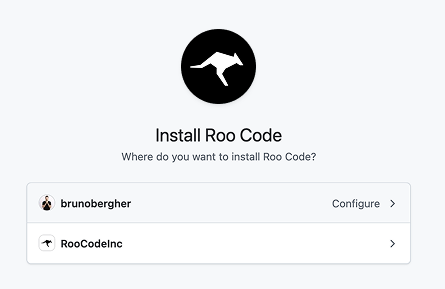
-
Choose what repositories to make visible to the agents
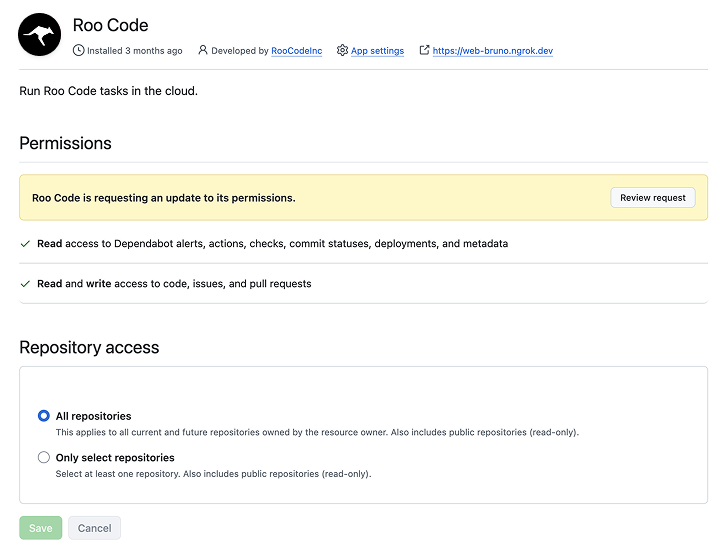
You can control individual agent access to repos in agent settings.
Now your Cloud Agents are able to work with Github.
Calling agents
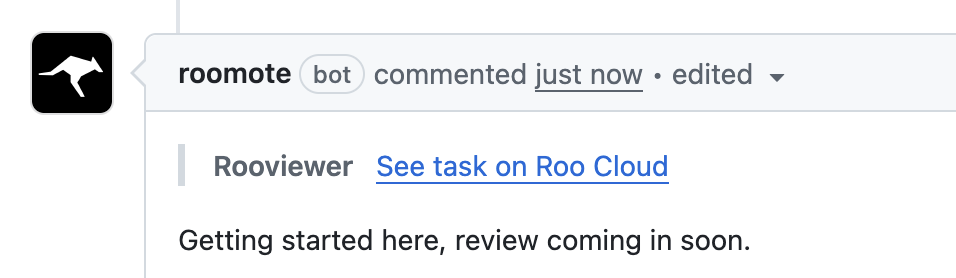
By default, any PR Reviewer agents you have will continuously monitor for new PRs according to the criteria you define in their settings. So when a new PR is created, you'll see a comment like this:
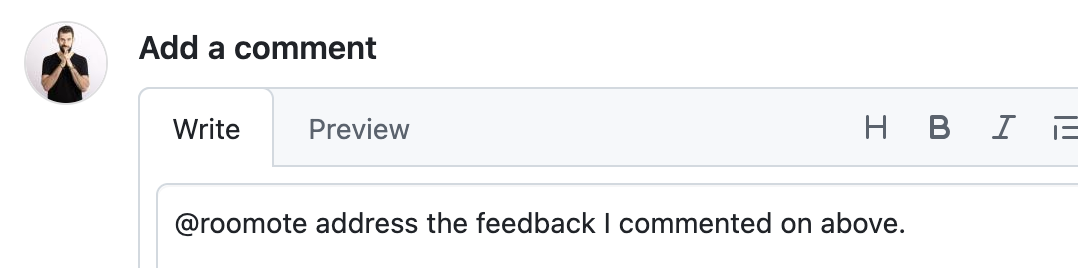
You can also call the PR Fixer agent to address any feedback you may have in the PR by calling @Roomote like this:
You can also assign tasks to the Reviewer and Fixer from their own pages or the New Task button up top.
The New Task page for them lets you paste a relevant URL:
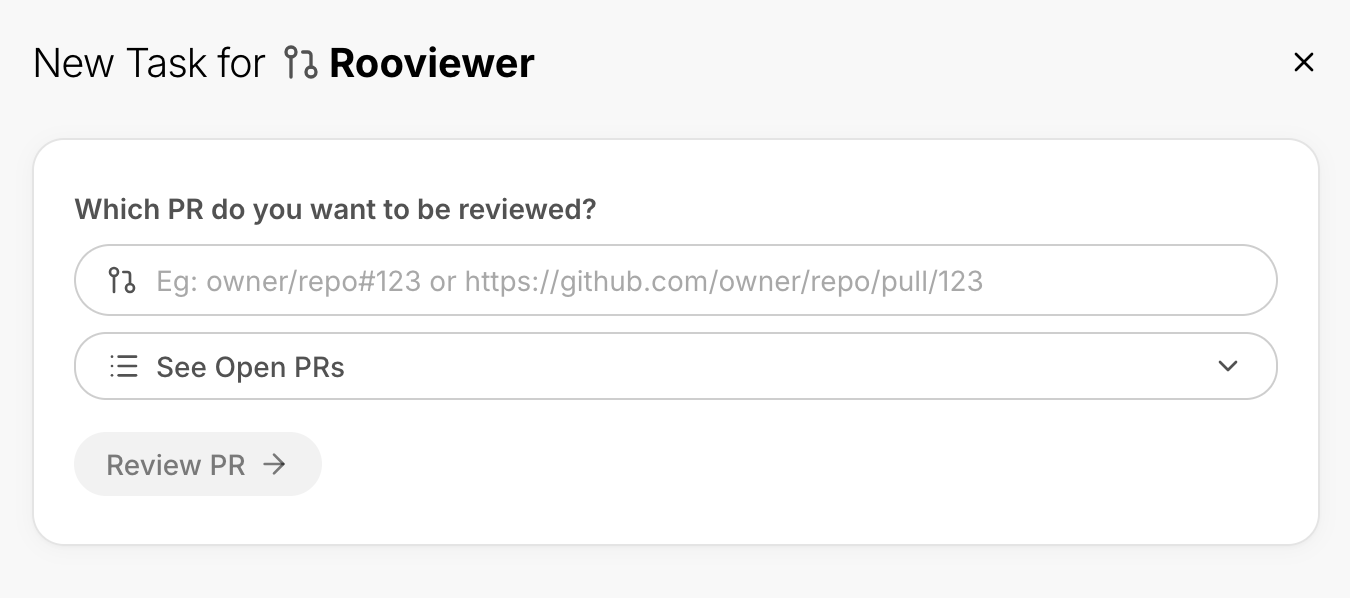
You can then follow the task from the web UI and see the results in the PR itself.
Please note that you can't call specific agents by name. When you use @Roomote, you're mentioning the Roo Code GitHub App, which handles the integration. The app will then smartly call the appropriate agent for the context.